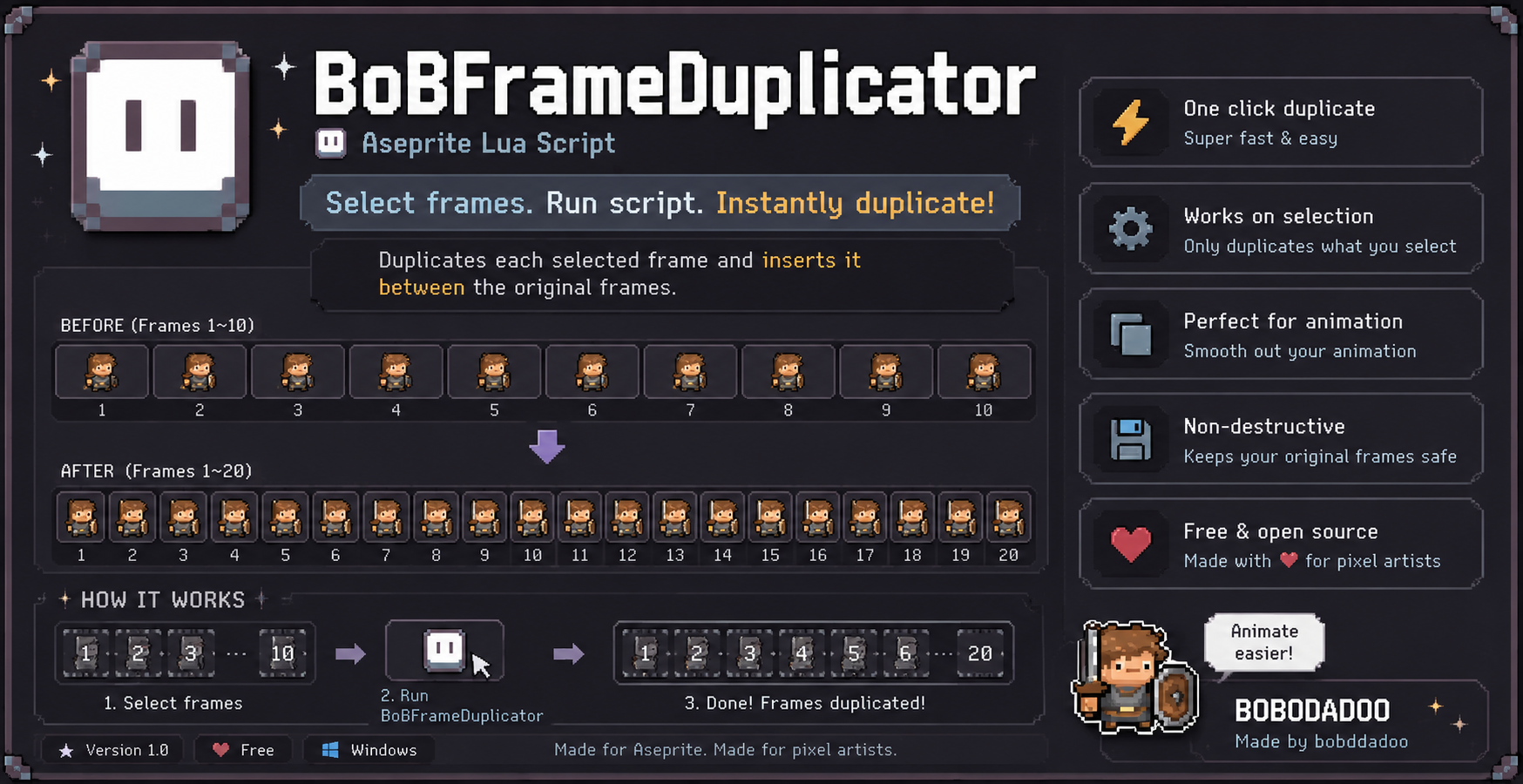
BobFrameDuplicator
A downloadable tool
💾 BobAutoSaver for Aseprite — One Hotkey, Everything Exported
You tweak a sprite, then you open Export, pick PNG, set the name, export... then do it again for the GIF. Every. Single. Time. I got tired of it, so I made this.
Press one key — your PNG frames, an animated GIF, a 5× "big" GIF, and (if you want) an MP4 all land in your folder at once. Your original .aseprite is never renamed or touched.
💛 It's free — name your price if you want to throw a tip my way.
📦 What One Press Gives You
For a sprite called warrior_idle_down.aseprite:
warrior_idle_down1.png … N.png— one PNG per framewarrior_idle_down.gif— the animated GIF (1×)warrior_idle_down_big.gif— pixel-perfect Nearest-neighbor upscale (5× by default)warrior_idle_down_big.mp4— optional, needs ffmpeg, looped 6×
✨ Why You'll Like It
- 🔑 One shortcut saves PNG + GIF + Big GIF (+ MP4) in a single go
- 🛡️ Your
.asepriteis never overwritten — it usessaveCopyAsunder the hood - ☑️ Checkboxes — tick exactly the outputs you want, skip the rest
- 🔍 Big GIF scale in percent (500 = 5×, 200 = 2×, 100 = original), crisp Nearest-neighbor
- 🎬 Optional MP4 via ffmpeg that loops your clip N times
- 📁 Save next to your file, or pick any folder with a native browser
- ⌨️ Start straight from the keyboard — S / Enter / Space
- ⚡ Two entry points: BobAutoSaver (settings popup) and BobAutoSaver_Quick (instant save with your last settings — bind this to a hotkey and never think about exporting again)
🚀 Install (30 seconds)
- In Aseprite: File → Scripts → Open Scripts Folder
- Drop the three
.luafiles in there - File → Scripts → Rescan Scripts Folder (or just restart Aseprite)
Then grab a hotkey: Edit → Keyboard Shortcuts, search BobAutoSaver. I use F6 for the instant save.
🧰 Requirements
- Aseprite 1.3+ (needs Lua scripting)
- Windows — the folder picker, MP4 step, and ffmpeg check use Windows commands
- ffmpeg — only if you want MP4 output (the popup even has a download button if it's missing)
📜 License — please read
- ✅ Free for personal & commercial projects
- ✅ Modify and adapt it to your workflow
- ✅ Credit bobddadoo (bobddadoo.itch.io) — required
- ❌ Don't resell or repackage the tool itself, on its own or in another pack
Licensed under CC BY 4.0 (attribution required) — in short: use it freely and keep the credit, just don't repackage and sell the tool itself. A Korean guide (README_KR.txt) is in the download.
💬 Found a Bug? Want a Feature?
Drop a comment below — Mac/Linux support, zero-padded frame names, more formats... tell me what would actually help your workflow and I'll look into it.
Happy pixeling! — bobddadoo

Download
Click download now to get access to the following files:
Leave a comment
Log in with itch.io to leave a comment.